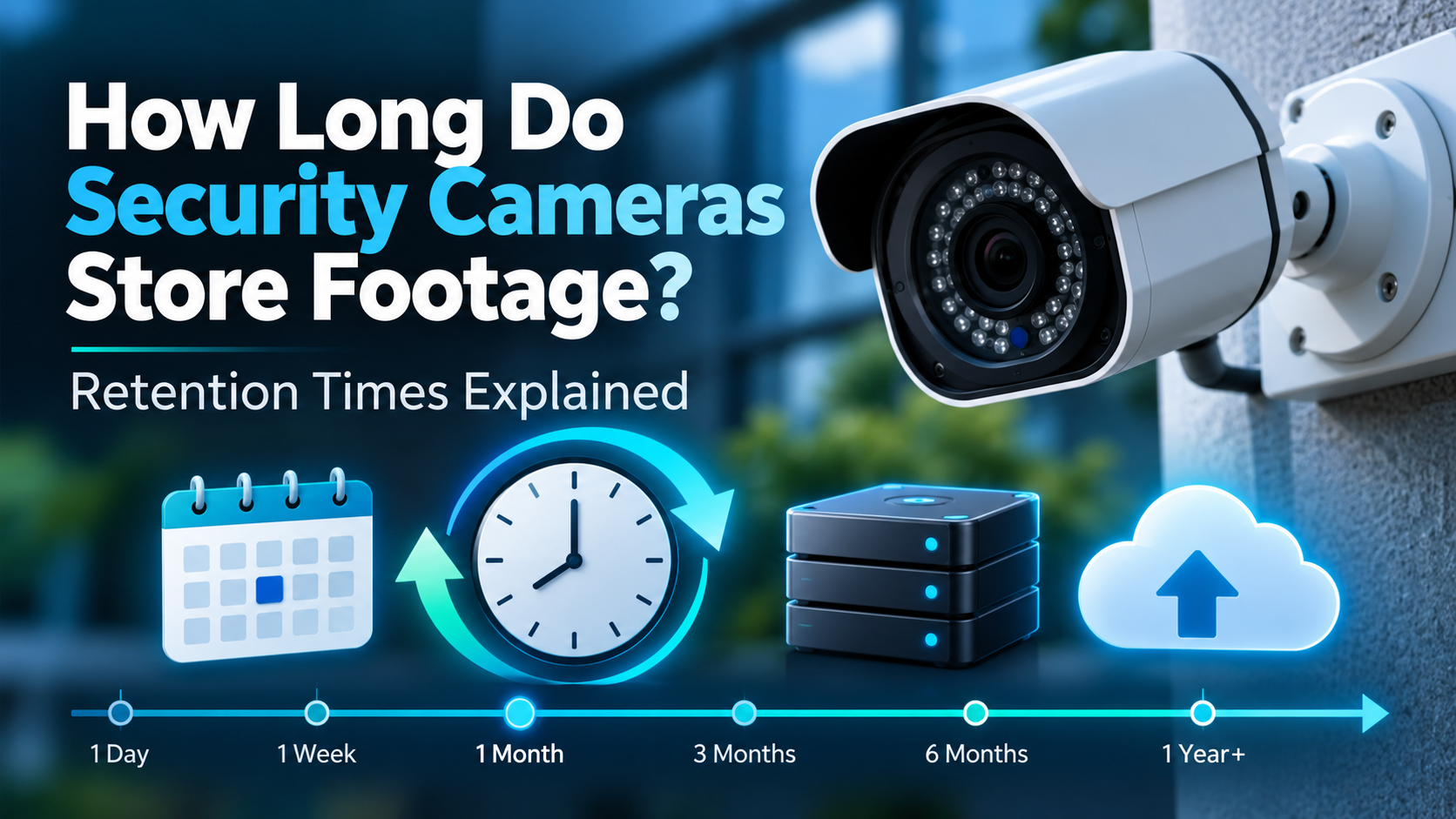
A security camera can record an important moment, but what if the video is gone when you need it? This is why many people ask, How Long Do Security Cameras Store Footage? There is no single answer. It depends on the storage space, camera settings, recording type, and cloud plan. Some systems keep videos for a set time. Others replace old recordings when the storage is full.
Some cameras save videos for a few days, while others can keep them for weeks or longer. Home cameras may store short clips when they detect movement. Business systems often use recorders with hard drives to save more video.
For example, Google’s video history plans offer 30 days of event video history on a Standard plan and up to 60 days on an Advanced plan for eligible devices. These periods apply to specific plans, not every security camera.
The recording method also matters. A camera that records all day uses more storage than one that starts recording when it detects movement. Check your device and plan to find out how long your videos will stay available.
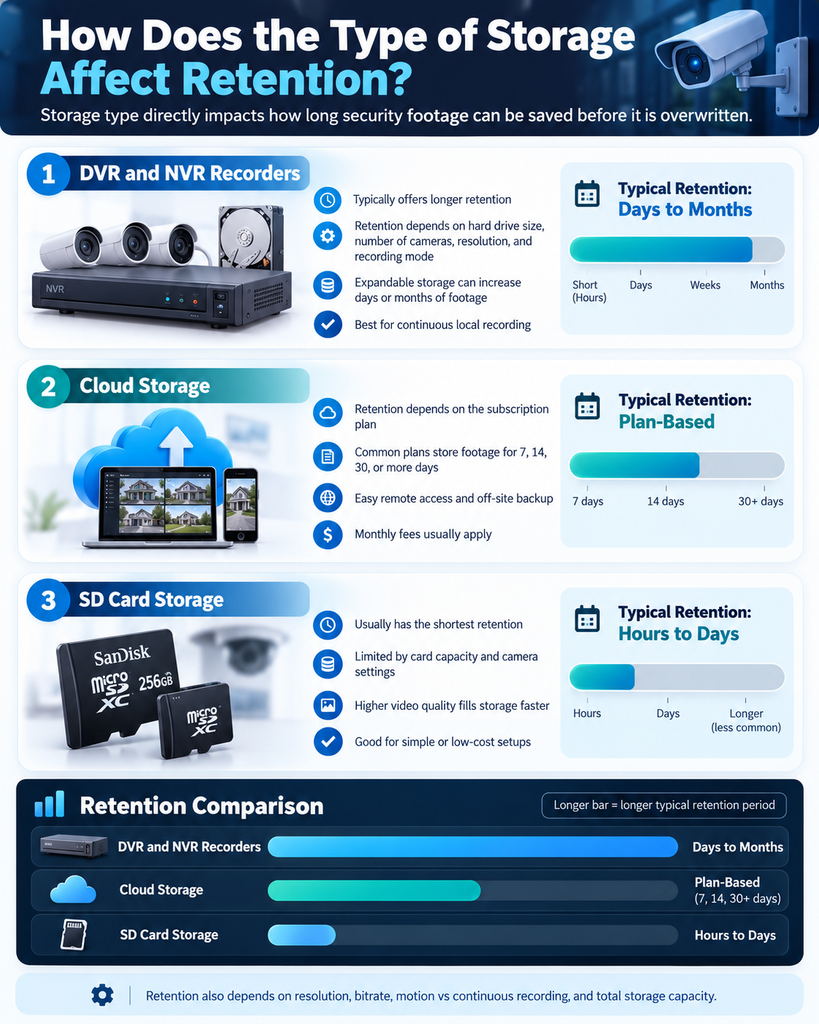
DVR and NVR systems save videos on local hard drives. How long they keep footage depends on the drive size, number of cameras, video quality, and recording schedule.
A system with more storage can usually keep recordings for longer. Still, many recorders delete the oldest footage automatically when the drive fills up. You may not notice this until you need an older video.
Cloud security camera storage keeps recordings on remote servers. You usually need an internet connection to upload videos. Some services also require a paid plan.
The storage period depends on the provider and subscription. Download important clips before they expire.
Some cameras save videos to a microSD card. You do not always need a cloud subscription for this option. However, the card has limited space, so older recordings may be replaced by new ones.
Check your camera’s settings to see whether it records all the time or only when something happens.
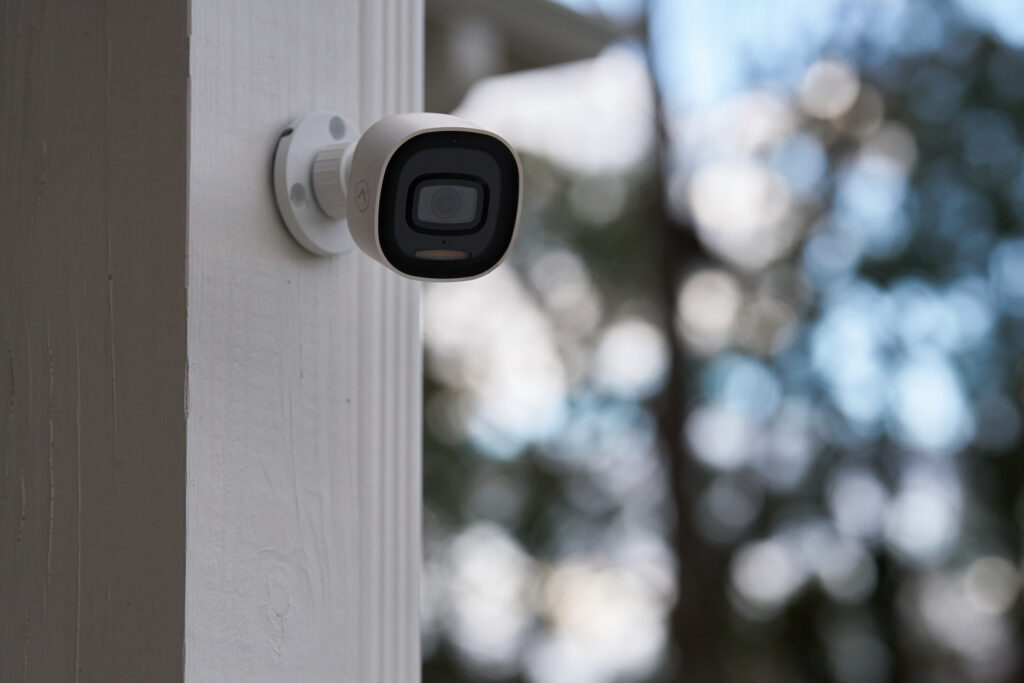
Several things affect security camera storage duration. High video quality takes up more space. So do higher frame rates, more cameras, and longer recording hours.
Video compression can help save space. Motion detection may help, too, because the camera records less often. But it can miss events if the settings are not right.
Axis Communications explains in its storage guidance that bitrate plays a major role in storage needs. Two cameras with the same resolution may use different amounts of space.
Sometimes, but there is no guarantee. A deleted clip may be recoverable in some cases. Footage that has already been overwritten can be much harder to restore.
If you need a recording after an incident, stop making unnecessary changes to the system. Save any clips you can still access and contact your provider for help.
You have a few options. Add a larger hard drive, choose a cloud plan with a longer retention period, or change your recording schedule. Motion-based recording can also reduce storage use.
Check your settings from time to time. Back up important clips instead of relying on the camera to keep them forever. Businesses should also consider privacy rules and any legal requirements before deciding how long to keep CCTV footage.
Johns Brothers Security provides security systems for homes and businesses. You can explore its guides to different types of security cameras and commercial video surveillance systems.
Need help choosing a system? Contact the team to discuss your property, recording needs, and available storage options.

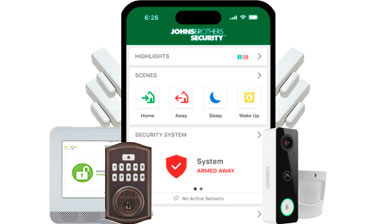
Our most complete package features protection, automation, and video delivered to your smartphone.
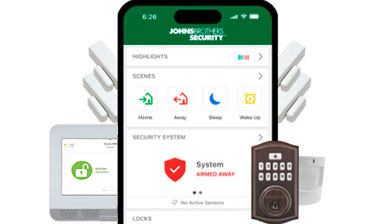
Our most popular smart security package features more than protection – it’s your pathway to home automation.
The essential security package features affordable protection with a wireless connection.
Get a free consultation and the latest smart home security tips & tricks
Quicklinks
Residential Solutions
Commercial Solutions
Corporate Headquarters
Richmond Office
Outer Banks Office
Carrollton Office
Lynchburg Office
Hawk Security Systems, Inc.


DCJS #11-1918 | NC #490218 CSA
Privacy Policy
Copyright © 2026 Johns Brothers Security. All Rights Reserved.